
Digital resource catalog
Offer product sheets, catalogs, brochures and supporting files. Optional categories and descriptions help visitors find the right material.
An information kiosk lets attendees interact with your booth even when every staff member is in a conversation. Visitors can browse published content, select the documents they care about and identify themselves with a badge scan to receive information.
Choose a direct self-scan experience or publish multiple interactive pages with visitor-friendly navigation. Exhibitors can build a journey around what they want attendees to explore.
Availability of interactive features depends on the configured version and event deployment. Ask for a live walkthrough during your demo.

Offer product sheets, catalogs, brochures and supporting files. Optional categories and descriptions help visitors find the right material.
Separate a request to receive documents from optional permission for promotional follow-up. Keep attendee-facing questions appropriate to the event.
View which materials were requested and their fulfillment status. When enabled, link-request activity can add context without being treated as proof of a human read.
The kiosk is part of rsvpBOOK Lead Retrieval, not an isolated prospect list. One exhibitor lead can carry the original kiosk scan, subsequent staff conversations and document requests together.
Permanent attendee resource entry links are designed without age-based expiration; continued access requires the event to retain the underlying documents and records.
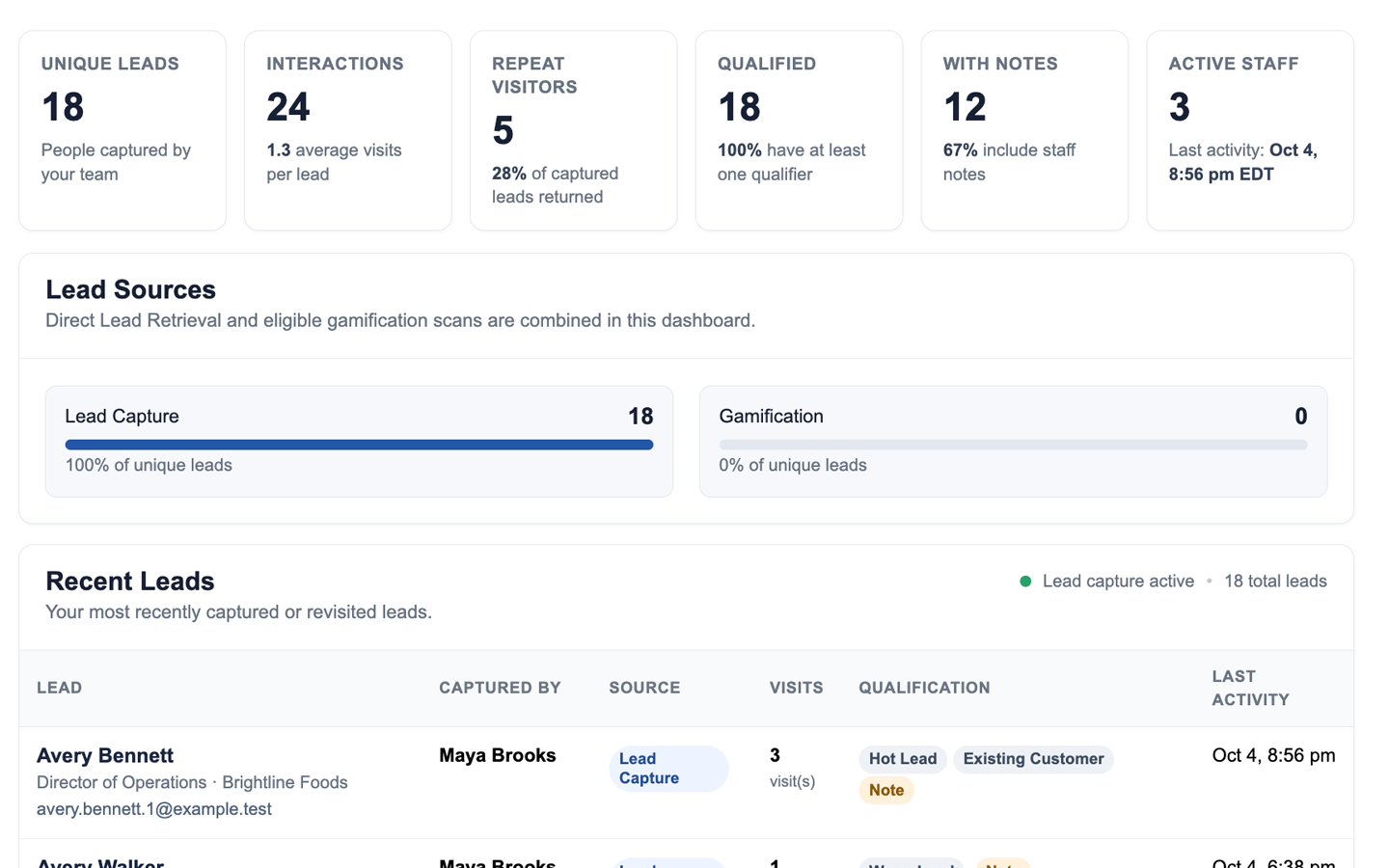
The organizer configures participating companies, attendee data permissions and badges. Exhibitors prepare the resources and visitor experience they want to offer. Staff-operated mobile scanning uses the same Lead Retrieval program.
See how organizers deploy Lead Retrieval → · Explore staff scanning and the Lead Manager →
No. The kiosk runs on an authorized shared device. Attendees use the event badge for identification where that capture mode is configured.
Yes. Interactive pages can be configured for browsing before a badge scan, with resource requests submitted when the visitor identifies themselves.
The additional interaction contributes to the exhibitor's existing lead history rather than requiring a new contact record.
Resource entry links do not have automatic age-based expiration. The event must retain the corresponding documents, records and hosted endpoint for those links to keep working.
No. Fulfilling a requested document is distinct from promotional follow-up, which must be separately enabled and subject to consent and unsubscribe rules.
Tell us about your booth count, attendee badge format and the content your exhibitors want to share. We'll show how the experience connects to Lead Retrieval.
Book a Kiosk Demo